How to Publish Content at Y8
Only upload games/videos/animations that you made, are sponsored by you, or you have the distribution rights over them.
-
Games that require players to login, should be using the Y8 Account login system.
- No excessive advertising (keep outlinks at minimal amount)
- No misleading links (animated thumbnails, false play button, tricky more games button)
- No advertising popups or overlays
Improve the chance of getting the game listed on Y8, by:
- Providing good and clean content
-
Adding the Y8 logo in game.
NOT Allowed content:
- Harmful content (violent, spam, misleading, scams, hateful)
- Nudity or sexual content
- Gambling content
Join the ad revenue partnership
Monetize your games by joining the Y8.com ads partnership
Learn more
How does monetization work
- Upload your game
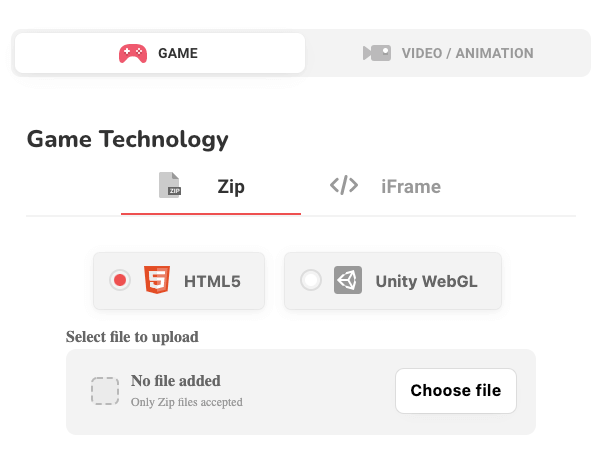
Upload your HTML5 and WebGL game for review.
- Game approval
If your game meets our guidelines, it will be approved and published on Y8.
- Create your studio
Create a studio from here: https://www.y8.com/studios.
- Contact Y8 support to enable revenue share
From your studio page, find the Y8 support email and contact us.
Share your published game name and studio name.
- AdSense for platform (AFP) access
The Y8 team will review your request and enable AdSense for platform if everything is in order.
- Sign up for AFP
Once enabled, apply for AFP from your studio page.
- Start earning
After Google approves your AdSense account, you can add in-game ads and start earning.
- Future games earn faster
After this setup, your next approved games can start earning immediately.
Note: AFP access will only be enabled after your first game is approved. This helps us protect the revenue share system from misuse and keep things fair for everyone.